
Mosungi Tally Prompter
Read your script while looking straight into the camera.
CBNEXT · Creativity
Free
Version1.0
Size2 MB
Age rating4+
LanguagesEN, FR
Updated2026-10-12
Screenshots
About
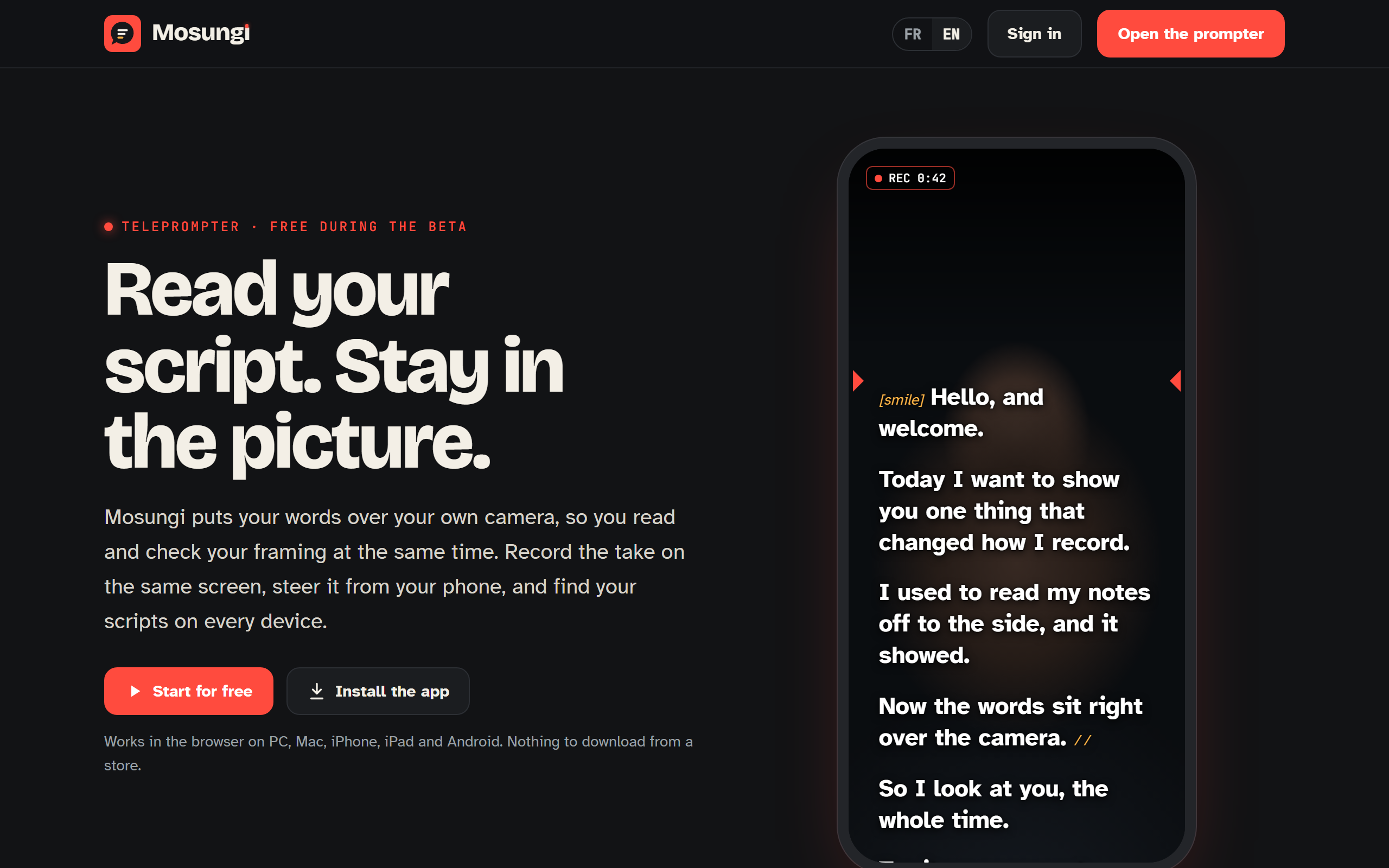
The text scrolls over the camera picture, so your eyes stay where the lens is and the person watching sees you looking at them. It records as you read, shows your voice level while you speak, and keeps your scripts with your account instead of on one device.
Your phone works as the remote: start, pause, go faster, go back a line, from your hand while you stand at the camera. Sign in with your email and a six digit code, on every device you use.
Mosungi, the assistant built in, tightens a paragraph or cuts a script to time when you ask it to.
What it does
- The text sits over the camera, so you look into the lens
- Records while you read, in up to 4K
- Voice level on screen so you hear yourself before the take
- Your phone as the remote: pause, speed, back a line
- Scripts follow your account onto every device
- Works offline once it is installed
What is new 1.0
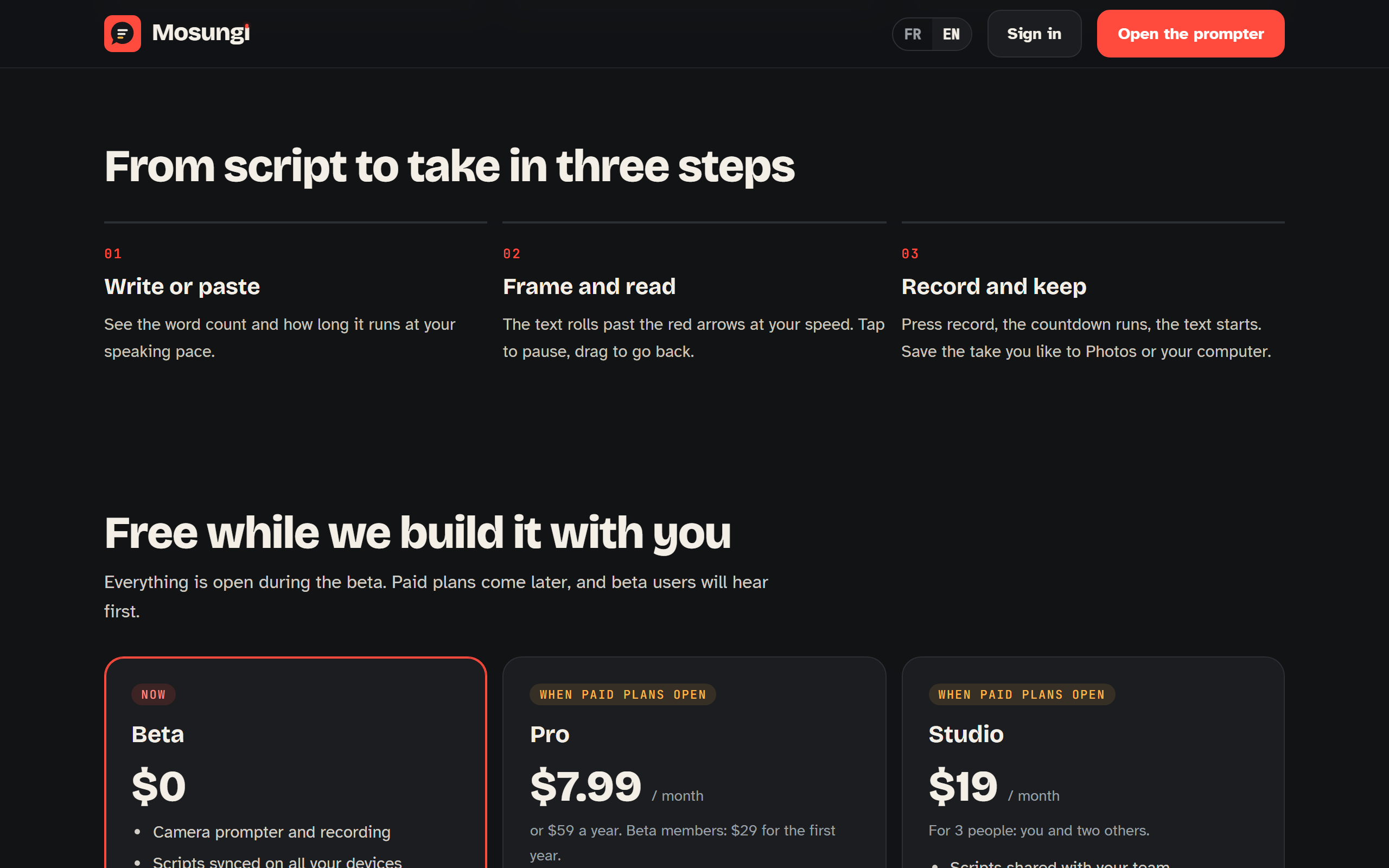
Plans, team sharing and billing. The free plan keeps ten assists a month and three scripts.
How to install
- On PC or Mac
- Open the app, then use the install icon in the address bar of Chrome or Edge. It gets its own window and its own icon.
- On Android
- Open the app in Chrome, then choose Add to home screen from the menu.
- On iPhone or iPad
- Open the app in Safari, tap the share button, then Add to Home Screen. Safari is the only browser on iOS that can do this.